BuildVoyage
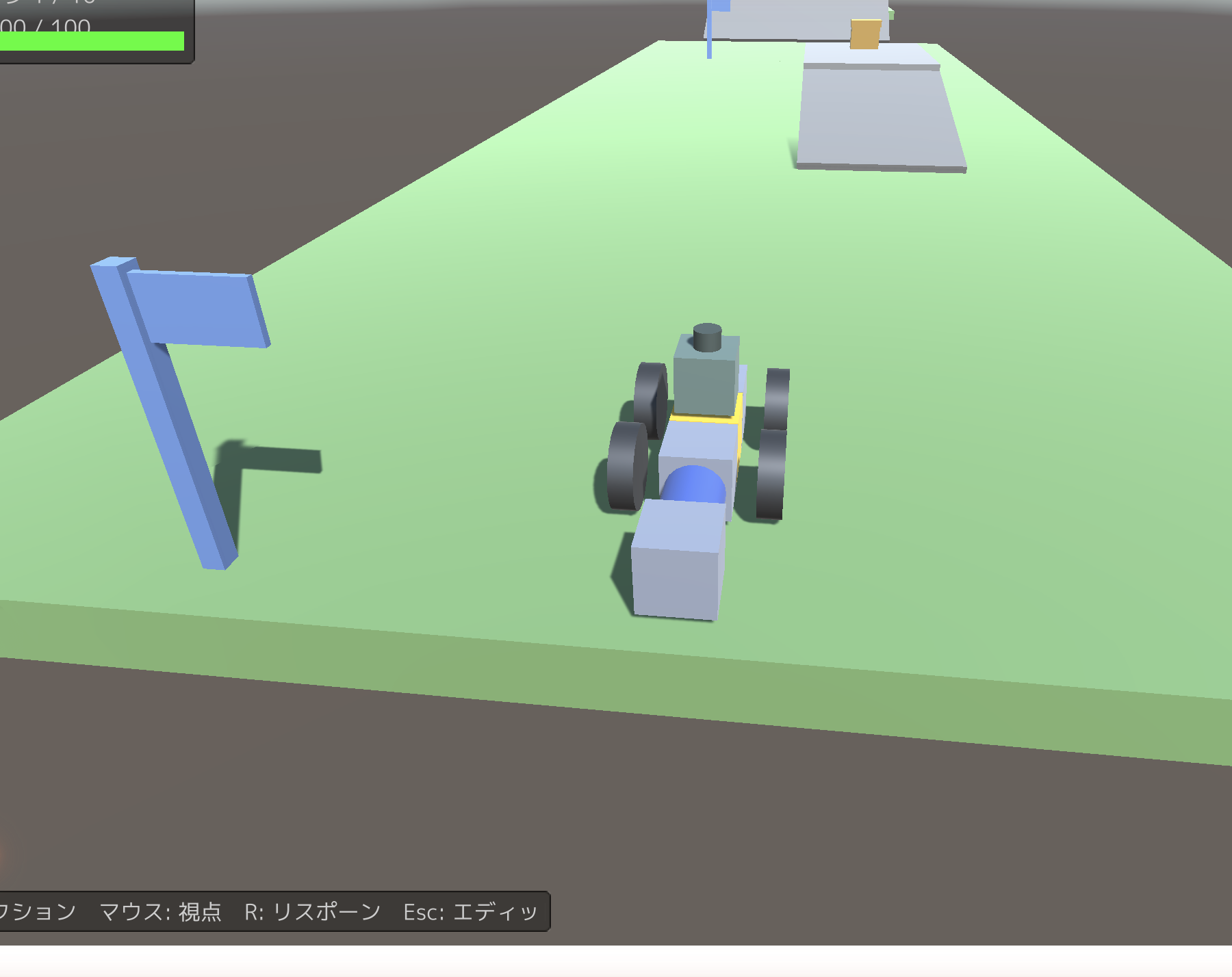
コアブロックにパーツをつなげてオリジナルマシンを組み立て、10ステージの世界を探索する3D物理クラフトゲームです。
【あそびかた】
・エディット画面でタイヤ・ヒンジ・スラスターなどを組み合わせてマシンを作成
・矢印キーとスペースキーにパーツごとの動き(速度・角度・出力)を自由に割り当て
・ワールドの宝箱を開けると新パーツを解禁(ジェット、バルーン、モーター、シューターなど)
・急坂、トゲ、崖、細い道を乗り越えて最終ゴールを目指そう!
【設計図の共有】
作ったマシンは「共有コード」でテキスト化できます。 #BuildVoyage を付けてSNSでシェアしよう!コードを貼り付ければ他の人のマシンを再現できます。
※プロトタイプ版です。感想・バグ報告・改善案をコメントでお待ちしています!
操作: マウス+キーボード(PC推奨)
Comments
Log in with itch.io to leave a comment.
So one issue of the game is when I start it, the character does not move when I hite WASD and left, right, up and down.
Hi, thanks so much for playing and for the report! 🙏
Two things that should help:
1. Update (v0.2.0): WASD keys are now supported, in addition to the arrow keys.
2. Important: at the start, your machine is just a single core block — it has no wheels yet, so it can't move! Go to the edit screen, pick "タイヤ (Wheel)" from the left panel, and click on the side faces of the core block to attach wheels. Then hit "▶ テストする (Test)" and it will drive with ↑↓←→ / WASD.
I realize this isn't obvious at all for new players — I'm planning to make the game start with a pre-built starter car in the next update so you can drive right away.
Thanks again, this kind of feedback really helps!